Collect
Everything, on one canvas.
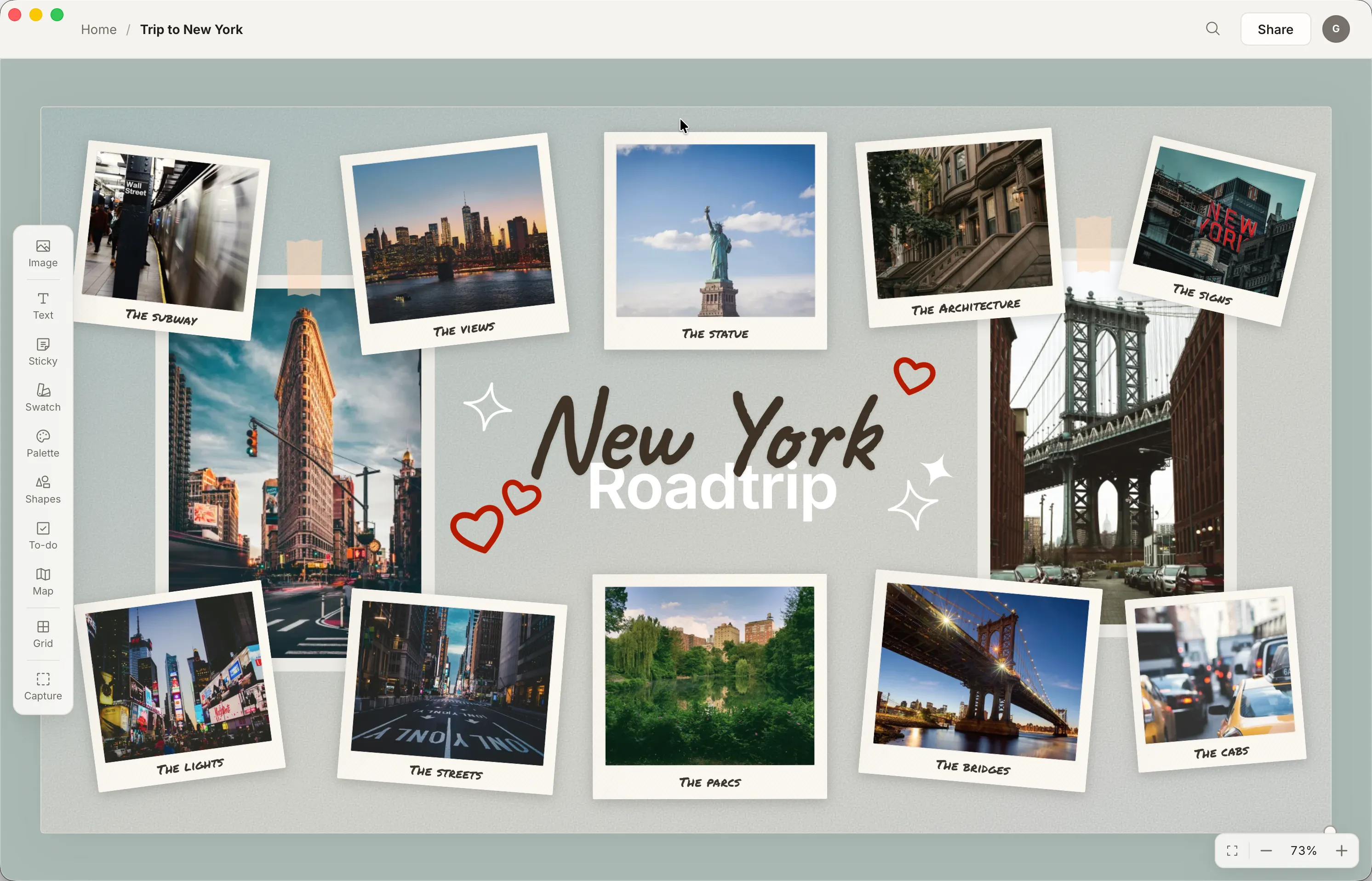
Drag images from anywhere, paste a link, clip straight from your browser, drop a map pin on a place. Then arrange it all in space, the way you actually think.
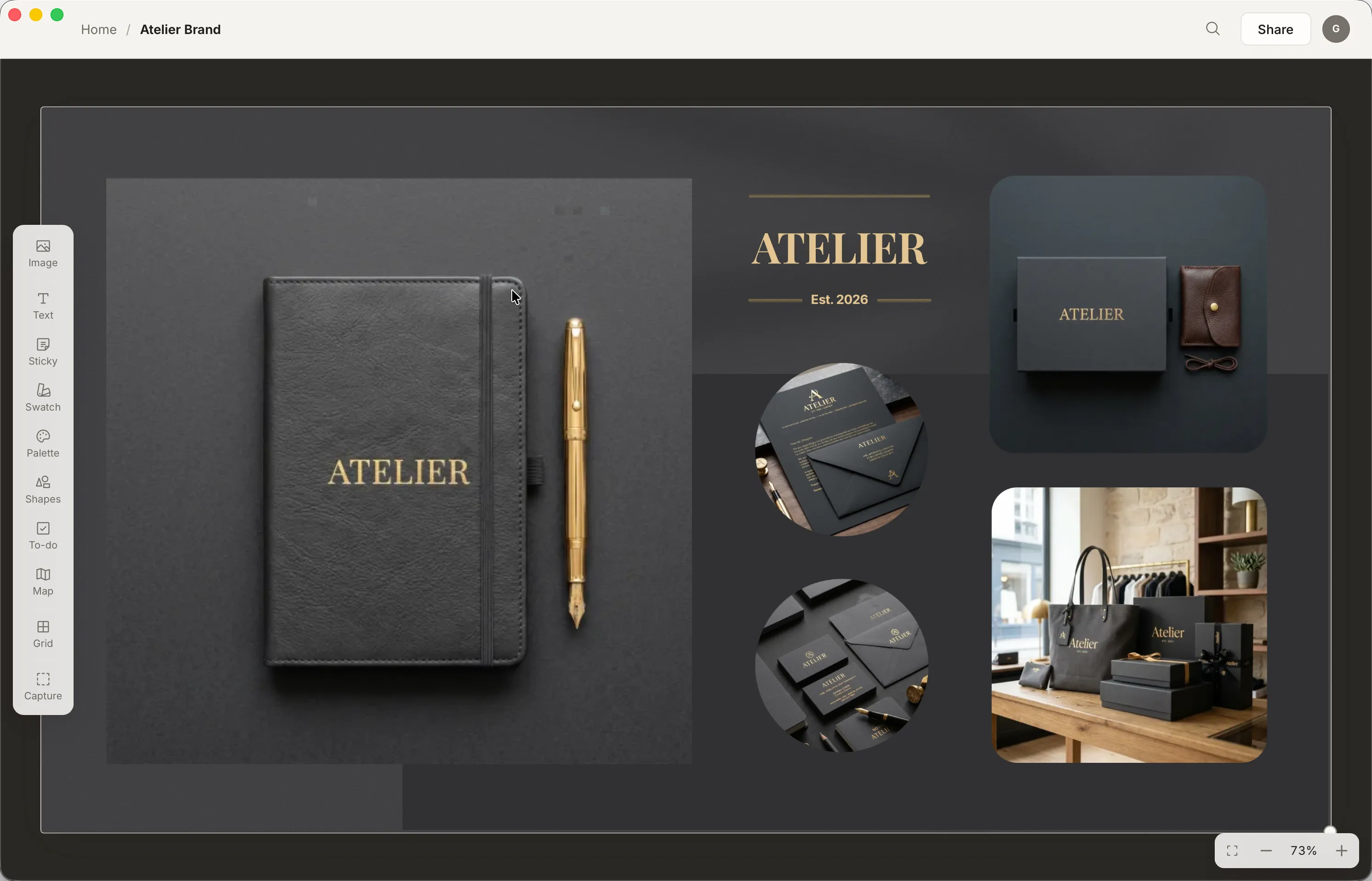
Moodboards for Mac. An infinite canvas for images, colors, maps and notes, with search that knows what your pictures look like.
Collect
Drag images from anywhere, paste a link, clip straight from your browser, drop a map pin on a place. Then arrange it all in space, the way you actually think.
Color
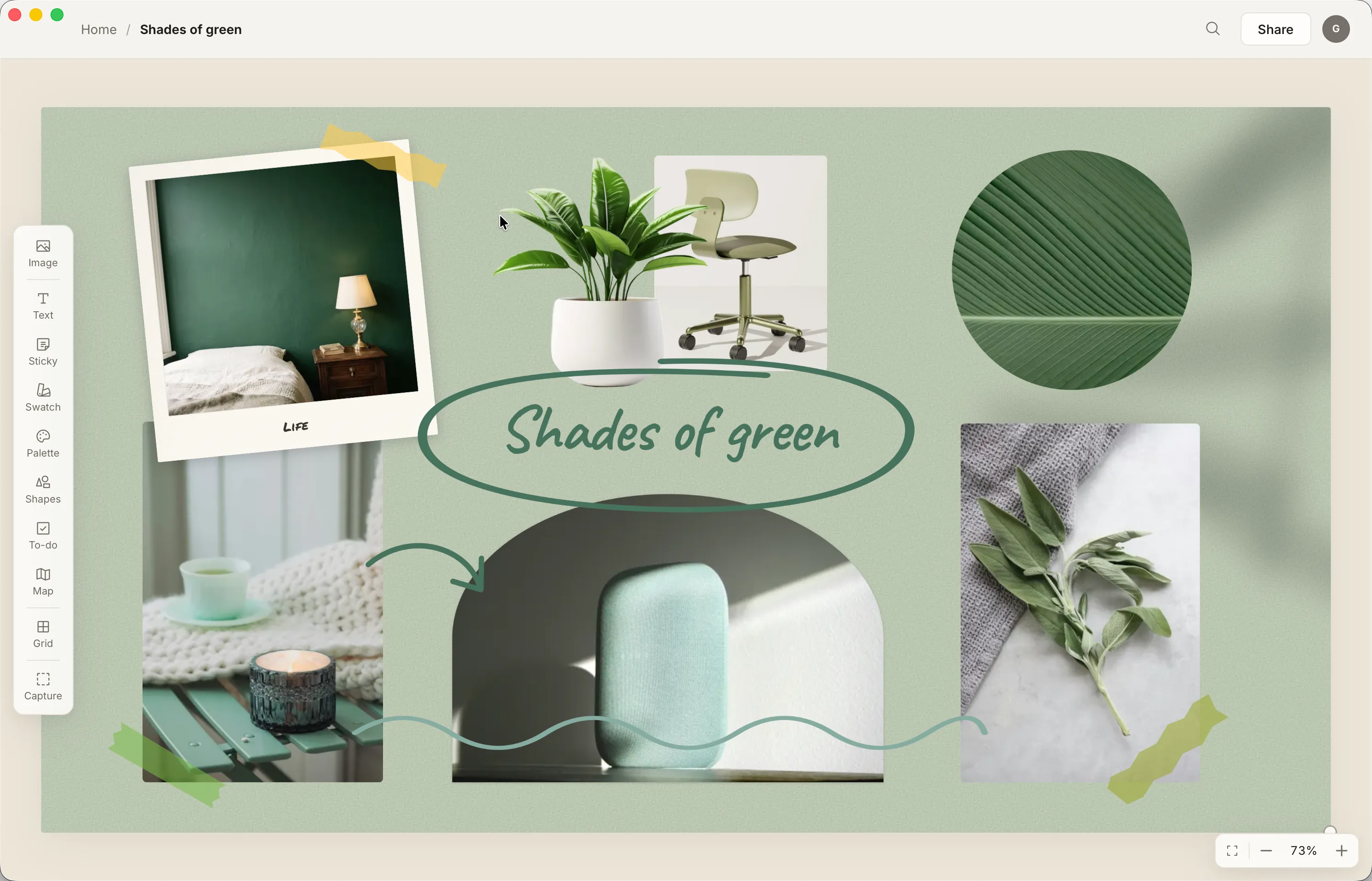
Drop in a photo and Atelier lifts its palette automatically. Generate new schemes, save swatches, and build a whole color story from the things you collect.
Find
Press ⌘K and describe what you remember: “warm living room”, “that blue kitchen.” Atelier looks inside the images themselves and surfaces the one.
Visual search runs on MobileCLIP, a small neural network that ships inside the app. Your library never leaves your Mac.
Start
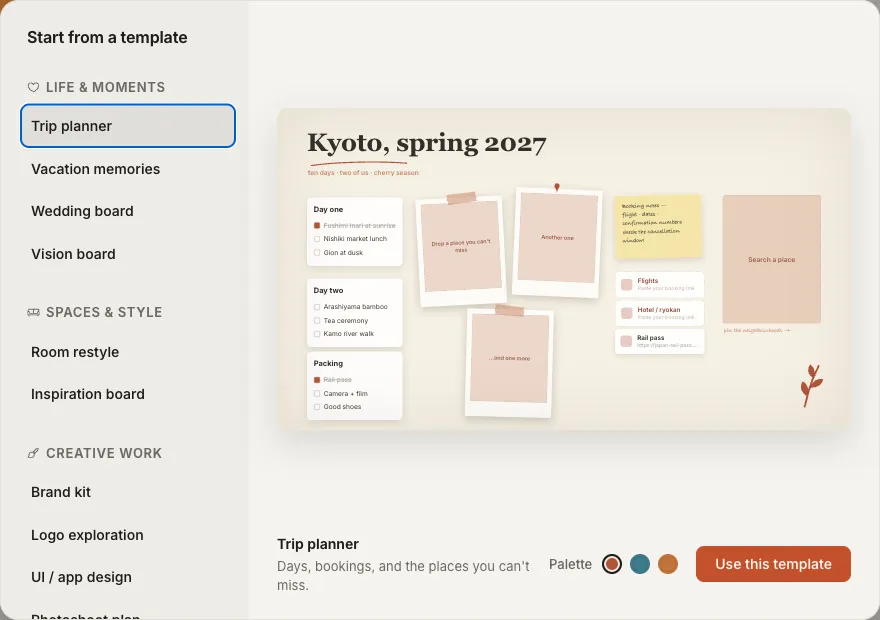
Open an empty board and build it your way, or start from one of twelve art-directed templates with fill-in slots. Drop your own images in and the layout holds; shuffle the palette until it feels like yours.
And then some
Every board is a folder of plain files on your Mac. No account, no lock-in. And the clever parts, from visual search to suggested captions, run entirely on your machine. How privacy works →
Pricing
$3.99 a month, or $39.99 a year with two months free. Start with 14 days free.
Coming soon to the Mac App Store. See the full pricing details anytime.
You’re on the list. We’ll send one email the day Atelier launches.